In modern project management, time is the most valuable resource. When I first started developing my website, I was looking for a tool that would be more than just a “smart search engine”—I needed a full-fledged assistant that understood the nuances of web development and content marketing. For me, Google Gemini became that tool.
In this review, I will share my personal experience using this LLM, break down real-world use cases, and provide an honest look at the drawbacks I’ve encountered along the way.
Personal Experience: How I Accelerate Project Growth with Gemini
I don’t believe in blindly copying AI-generated text. To me, Gemini is primarily a powerful tool for automating routine tasks. Here are the three areas where it has performed best:
- A Co-pilot for Development and Debugging: Whether it’s styling new blocks with CSS or writing scripts, Gemini excels as a coding assistant. It doesn’t just find errors; it explains exactly why the code wasn’t working.
- Master of Content and “Smart” Translations: One of the unique features I rely on is translating complex technical texts while preserving the original HTML/Markdown formatting. This allows me to adapt materials quickly without wasting hours on re-formatting.
- Idea and Structure Generator: When I hit a creative block, I ask Gemini to draft an article outline or suggest fresh topics for the Learn AI section.
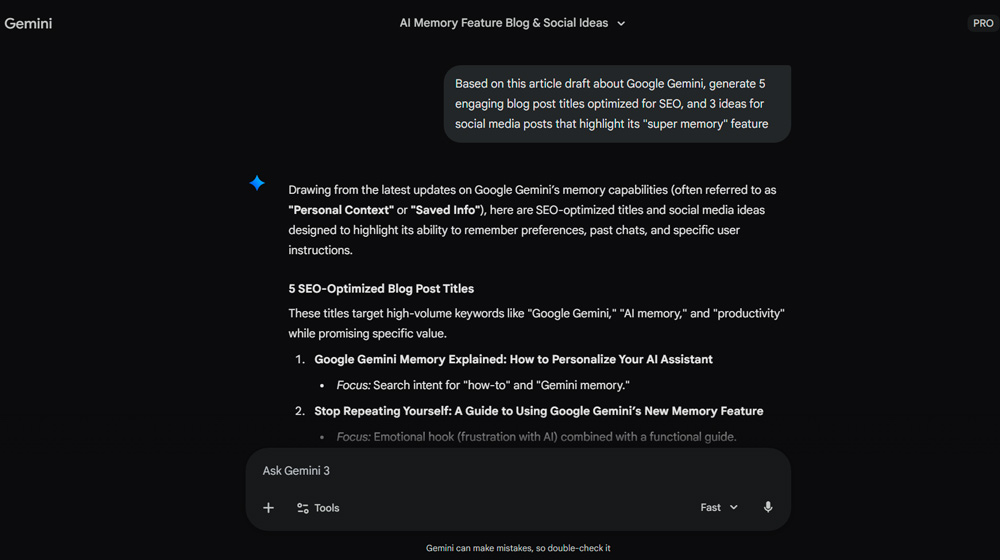
What makes Gemini truly valuable to me is its role as a central hub for project management. Instead of switching between a dozen tabs, I consolidate analytics, article drafts, and technical fixes within a single interface. This allows me to stay focused on the high-level strategy of the site while offloading the heavy lifting to AI. For any webmaster, this is the most direct path to scaling without overextending your team.
Future-Proof Tech: What Makes Gemini Stand Out in Practice
The main differentiator for Gemini compared to other neural networks is its native multimodality. The model was built from the ground up to work seamlessly across text, code, images, and video simultaneously.
- Real-Time Google Search Integration: Unlike models with static training cut-off dates, Gemini has access to real-time search results. This is critical in the tech world, where information changes by the hour.
- Contextual Awareness: Thanks to its advanced neural architecture, the tool “remembers” long-running conversations exceptionally well, allowing for the iterative refinement of complex ideas.
The Phenomenal “Super Memory” of Gemini: Leaving Competitors Behind
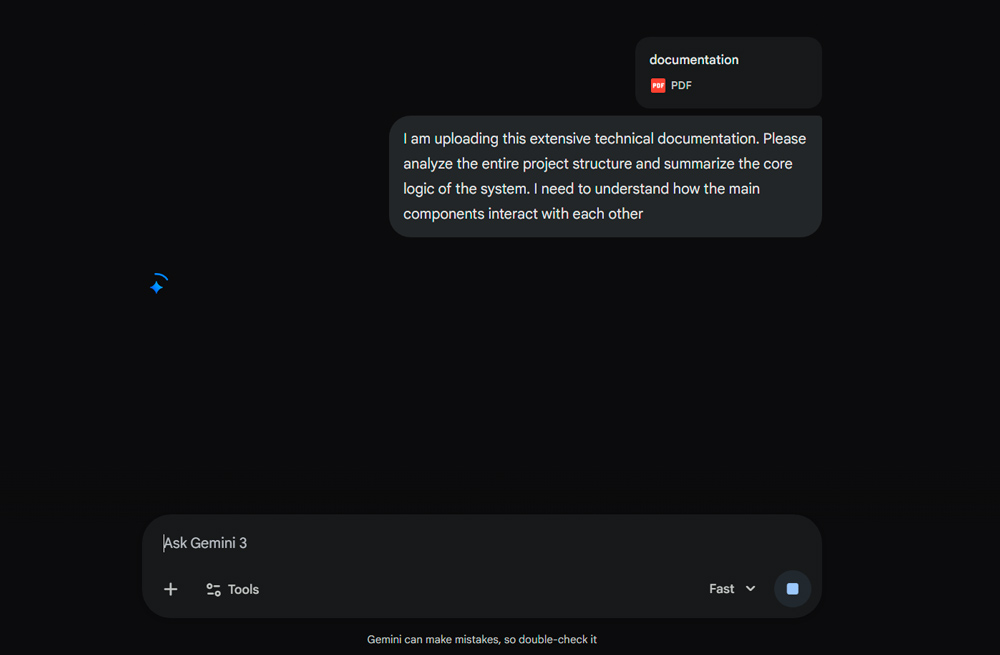
The standout feature that sets Gemini apart from competitors like GPT-4 is its incredible “memory,” known in the AI world as the context window.
- Scale vs. Limitations: While standard competitor models are often limited to 128,000 tokens, Gemini’s context window reaches an impressive 1,000,000—and up to 2,000,000 tokens in advanced configurations.
- What does this mean in practice? It allows the AI to process up to 1.4 million words or over 100,000 lines of code in one go. You can upload your entire website’s structure, and the AI will understand the relationships between every file.
This allows Gemini to learn from your specific examples during the conversation. The more context you provide at the start of a chat, the more accurate and personalized the responses become, eventually mirroring your unique authorial voice.
Creative Potential: Image Generation with Imagen 3
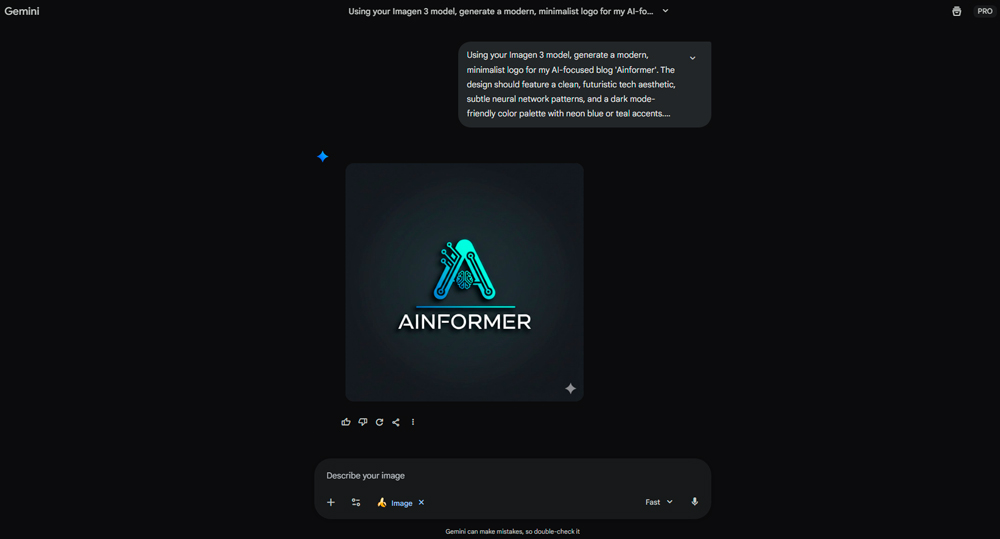
Gemini isn’t just about text and code. With the integration of the state-of-the-art Imagen 3 model, the assistant can create photorealistic images, logos, and unique illustrations directly within the chat interface.
- Uniqueness: Forget about generic stock photos—create visuals that perfectly match the context of your specific article.
- Speed: Generation happens in seconds, significantly accelerating the layout process for new posts.
- Simplicity: You don’t need to be a designer; you just need to be able to write a clear prompt.
For content creators, this is an elegant solution to the visual content struggle: simply describe your vision and receive high-quality art in moments. Notably, these images are protected by Google SynthID digital watermarks, ensuring provenance and the ethical use of AI-generated content.
The Flip Side: Challenges and Nuances
An honest review must look beyond the pros. Working with AI involves specific nuances that require attention:
- Risk of Hallucinations: This occurs when a neural network confidently presents fictional facts as reality. For more on this, check out our article on AI Hallucinations. Always double-check critical data and figures.
- Safety Filters: At times, the system can be overly “cautious,” refusing to answer specific queries due to internal Google safety constraints.
- Prompt Dependency: The quality of the output is directly tied to the quality of your instructions.
Who is Google Gemini Best For?
Based on the model’s capabilities, I’ve identified four groups for whom this tool is a game-changer:
- Website Owners and Bloggers: Perfect for generating dozens of ideas, drafting content plans, and optimizing articles for SEO.
- Developers and Webmasters: Thanks to its “super memory,” Gemini is ideal for auditing code, finding bugs in large repositories, and writing automation scripts.
- Researchers and Analysts: When you need to quickly process massive amounts of information (like long PDF reports or video transcripts) and extract a summary.
- Google Ecosystem Users: Integration with Docs and Sheets can save up to 30% of your time on data formatting and drafting.
Regardless of your role, Gemini’s greatest strength lies in its adaptability. It becomes a true “co-author” that understands the long-term context of your project.
Versions and Getting Started
- Free Version: A great foundation for daily tasks and short-form content.
- Gemini Advanced: Offers access to the largest context window (up to 2M tokens), higher speeds, and full integration into Google Workspace.
How to start:
- Visit the official Google Gemini page.
- Sign in with your Google account.
- Try uploading a code file for a security audit—you’ll immediately see the depth of its analysis.
Final Verdict: Gemini is more than just a chatbot; it is a comprehensive analytical platform. If your work involves handling large datasets or coding, this tool will likely become your primary competitive advantage.
FAQ: Key Questions About Google Gemini
How does Gemini Advanced differ from the free version?
The free version is excellent for basic tasks. The Advanced version (available via subscription) provides access to the most powerful models, the record-breaking 2M token context window, and the ability to use AI directly inside Google Docs and Sheets.
Can I use Gemini for writing software code?
This is one of the model’s strongest suits. Gemini understands most modern programming languages (Python, JS, C++, PHP, etc.), helps identify bugs, and explains the logic behind complex functions.
Is it safe to share my data with Gemini?
Google prioritizes security; however, in standard versions, data may be used to improve the models. For corporate clients, Gemini Business and Enterprise versions ensure that data is not used for training purposes.
Can Gemini completely replace an SEO specialist or copywriter?
Currently, no. The tool is perfect for accelerating workflows and generating ideas, but due to the risk of hallucinations, final human oversight remains essential.

 Redactor

